Free timeline maker for PowerPoint
Make a timeline, product roadmap or Gantt chart in a few minutes, then download it as PowerPoint slides where every shape and text box can still be edited. No sign-up, and your data never leaves your browser.
Make a timelineFree · no account · works on computers, tablets and phones
What you can make
- Company and project timelines: milestones over the years, from founding to today.
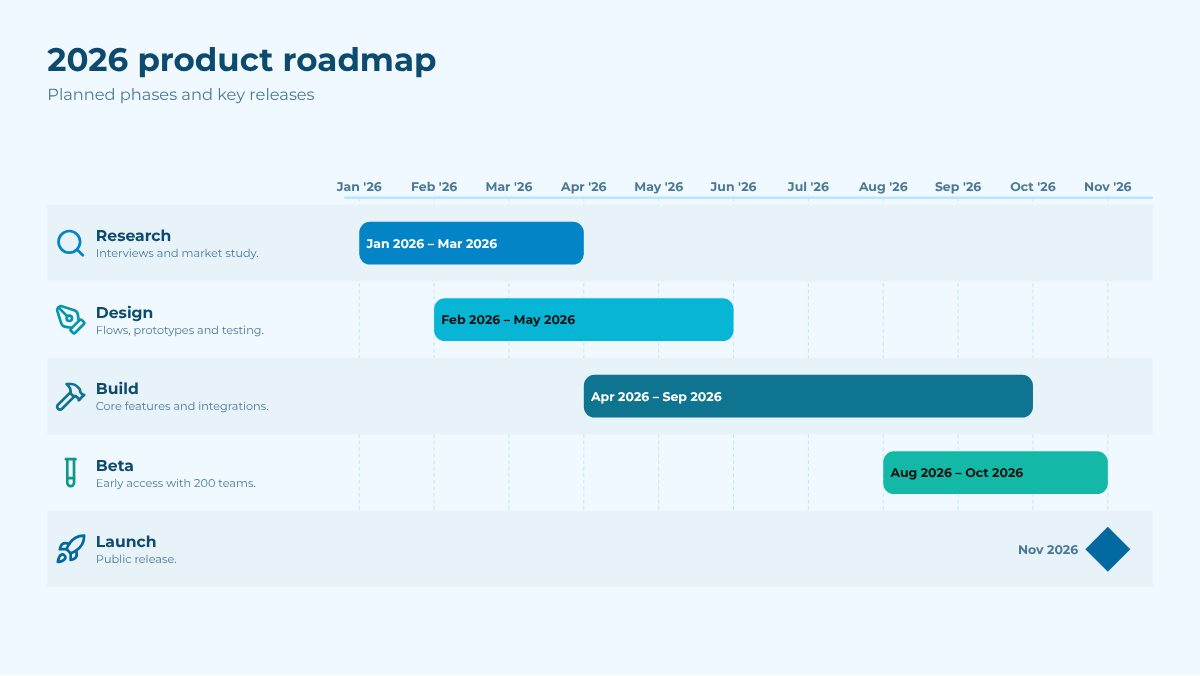
- Product roadmaps and Gantt charts: phases on a real time scale, with lanes per team, % complete, dependencies, the critical path, planned versus actual dates and a Today line. Drag a bar to change its dates.
- Milestone timelines on a time scale: milestones above a date band and phases below it, at their real dates, like the classic project-office slide.
- Now / Next / Later roadmaps: columns of cards per horizon or quarter, with a row per team.
- Year planners: twelve months at a glance with dates and campaigns highlighted.
- Photo timelines: big pictures with a caption under each, for anniversaries, biographies and school projects.
- Project plans: a week-by-week grid with phases, task status and milestones.
- History timelines: years before Christ (500 BC), approximate dates (c. 1850), decades and centuries.
- Agendas and processes: an event day hour by hour, or numbered steps.
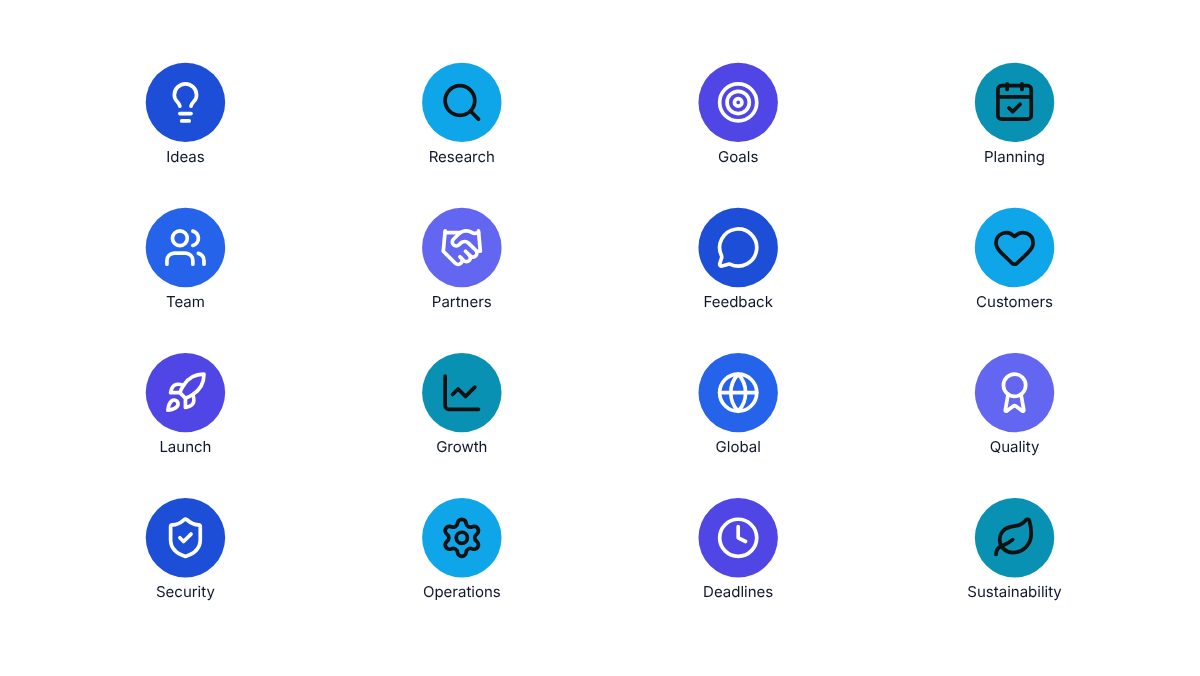
- Icon slides: a set of coloured icons to reuse in any presentation, no timeline needed.
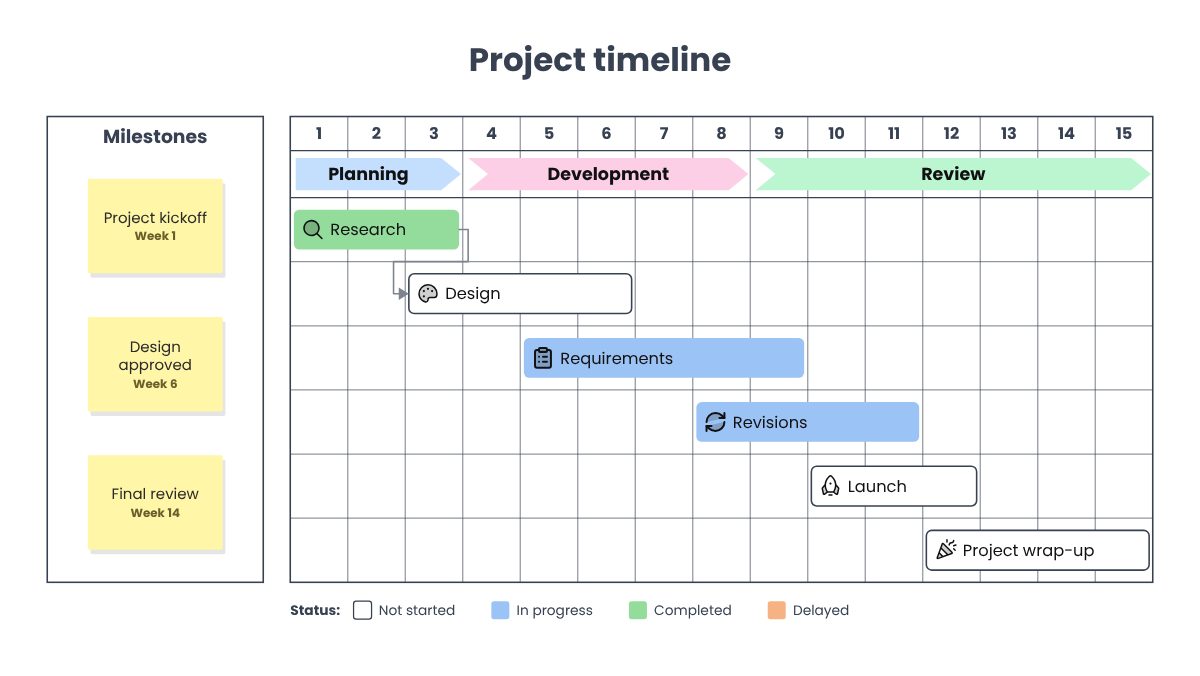
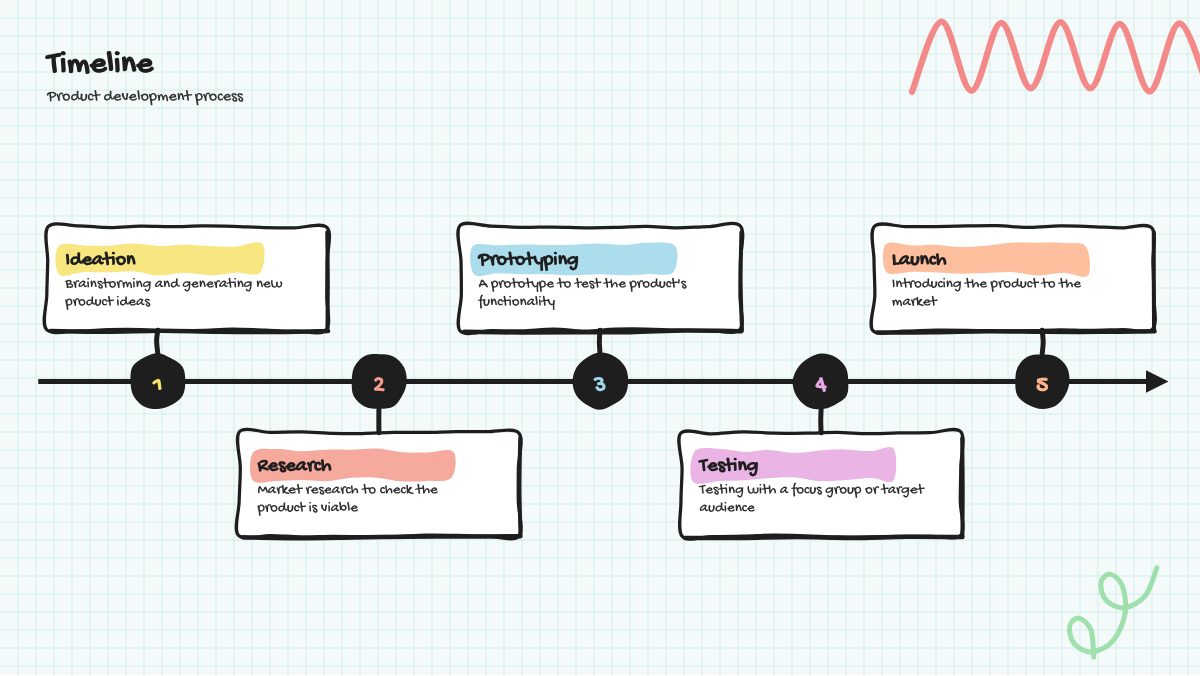
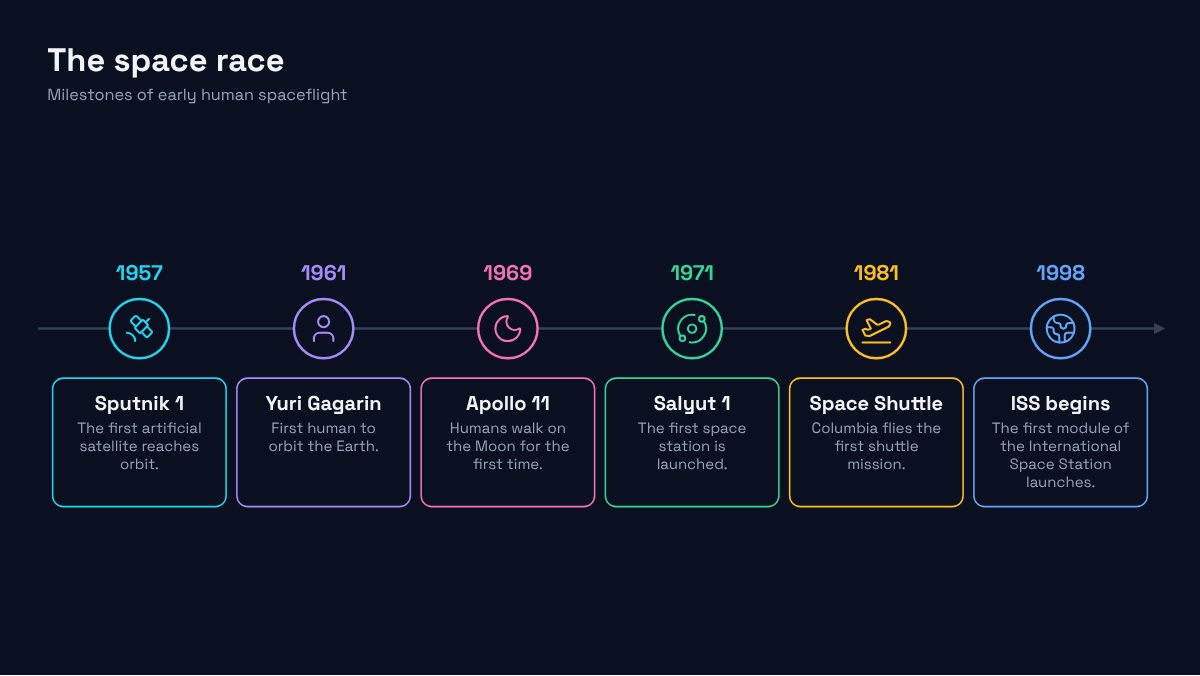
See all free timeline templates: construction schedule, clinical trial, school year, wedding day, legal chronology, history lesson and more.
How to make a timeline for PowerPoint
- Start from an example or from scratch. Open Timeline and pick what you want to make. You can change everything later.
- Add your events. Type a date and a title for each one. Dates can be years, months, quarters (Q3 2026), full dates or times of day. You can also paste a list or a few paragraphs of text and let Timeline find the dates, or import a spreadsheet, a Microsoft Project file or a Jira export.
- Choose a layout and a style. 31 layouts (horizontal, vertical, Gantt, swimlanes, time scale, Now/Next/Later board, year planner, photo cards, project grid…) and 28 styles, from consulting and colour-blind-safe to hand-drawn. The preview updates as you go.
- Fine-tune on the preview. Click any text to edit it, or a marker to change its colour and icon. Choose from more than 1,900 icons, emoji and flags, or add a photo.
- Download. Get a PowerPoint file where every shape stays editable, with speaker notes and, if you like, events that appear one click at a time. Or a PDF, a PNG or SVG image, a share link, or a web story that tells the timeline as people scroll. A long timeline can be split over several slides.
Prefer to stay inside PowerPoint? Timeline can also run as a PowerPoint add-in (Options → PowerPoint add-in).
Why it's different
Real PowerPoint shapes, not a picture
Every card, line, marker and label is a normal PowerPoint shape or text box, so you can tweak the result in your own deck. Event links stay clickable, the slide has a proper title and the icons have alt text for screen readers.
In your company's colours and fonts
Pick your company's PowerPoint template (.pptx or .potx) and Timeline takes its theme colours and fonts, read on your device.
Private by design
There's no account and nothing to install. Your timeline is saved in your own browser, and files you import are read on your device. Share links carry the timeline inside the link itself, and can be locked with a password that's never part of the link.
Readable by everyone
The Accessible style uses colours that stay distinct for people with colour blindness, black text and a typeface designed for low vision.
Free
No trial, no watermark, no sign-up. Keep as many timelines as you like in My timelines.
Questions
Is Timeline really free?
Yes. It's part of vibeware, a set of free apps built with AI. There are no ads and no paid plan.
Can I edit the timeline in PowerPoint afterwards?
Yes. The .pptx file is made of ordinary shapes and text boxes: move them, recolour them or change the text like anything else on a slide. The file also opens in Keynote and Google Slides.
Where is my data stored?
Only in your browser on your device. Nothing you type or import is uploaded. See the privacy page for the details.
Can I import my plan from Excel, Microsoft Project or Jira?
Yes: Excel (.xlsx) and CSV files, Microsoft Project files saved as XML, and Jira or Smartsheet CSV exports. When your plan changes, import the new file again and choose “Update from this file” to keep your layout, icons and colours.
Which languages does it support?
The app is available in English, French, German and Spanish, and dates are understood in all four.
Can I go back to an earlier version?
Yes. Options → Version history keeps up to 15 earlier versions of each timeline in your browser, including one before every import.
Does it work on a phone?
Yes. The editor works on phones and tablets, and you can download the PowerPoint file there too.